
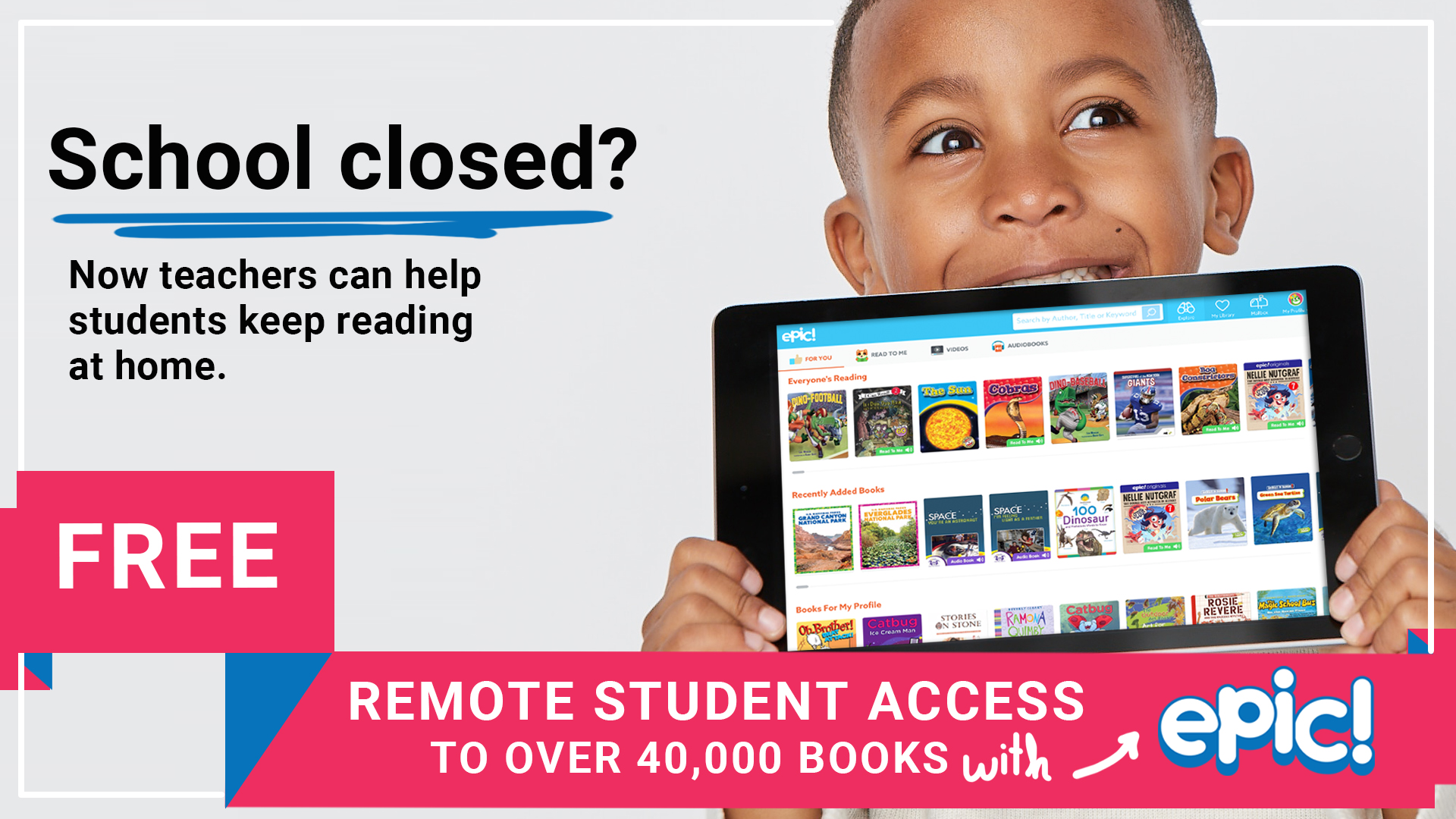
In recent weeks, COVID-19 has dramatically impacted schools, teachers, students and families around the globe. With schools experiencing closures, thousands of educators have been working tirelessly to support their students and keep them reading and learning at home.
Epic wants to help. We are offering FREE worldwide Remote Student Access to Epic through the end of the school year (June 30th, 2020), by teacher invitation — no credit card required. Families only need an invitation from their teacher to get started. Students will have anywhere, anytime access to the full Epic library on all devices (including web browsers, the iOS app and the Android app), and teachers can stay connected to their students by assigning books and collections and tracking reading activity and progress.
Sounds great! Can anyone get Remote Student Access??
Remote Student Access is only available by invitation from an educator. Individual families are not eligible for this offer if a child’s teacher is not using Epic. The good news? Epic is always free to educators and educators can sign up for their free account in a matter of minutes by following the instructions below.
Educators must send each students’ parent or guardian an invitation from the student roster page.
HOW TO GET STARTED
If you’re already an active teacher on Epic:
Invite your families to sign up for free Remote Student Access from the roster page. Students should not use your class code to log in as they normally would. [Please follow these detailed instructions.]
If you are a teacher not currently active on Epic, but already have an Epic account:
1. Sign in to your account. If you have forgotten your password, you can request a reset to be sent to the email associated with the account
2. Set up your student roster. It’s easy to add your students via Google Classroom, or one by one. (See Instructions for adding students to your roster here.)
3. Invite your families from the student roster page. [Detailed instructions here]
If you are a teacher new to Epic:
1. Open your account at https://www.getepic.com/educators . It’s 100% free; all you need is a valid educator email
2. Sign in to your account
3. Set up your student roster. It’s easy to add your students via Google Classroom, or one by one. (See Instructions for adding students to your roster here.)
4. Invite your families from the student roster page. [Detailed instructions here]
What to expect after inviting student families:
1. Parents will receive an email, set up their account, and request permission to link to your classroom. You can track each student’s access status and approve family linking requests on your roster page
2. You will receive an email confirmation once the family account is successfully linked
What does the Remote Student Access Experience include? Students can log on via a web browser on a desktop or laptop computer, or the Epic app on iOS or Android. The apps are free to download from the Apple App Store or the Google Play Store.
Students can access the full library of over 40,000 e-books, audiobooks, learning videos, and quizzes that is available to them in class. (Materials in Spanish, French and Chinese, too!)
Educators can assign a book, or collections of books, to individual students or to the entire class. Educators can monitor their students’ reading activity via their student reading logs.
Additional resources and step-by-step instructions:
- Complete Remote Student Access Toolkit with step-by-step instructions
- Remote Student Access FAQ
- Set Up Your Free Educator Account (video tutorial)
- Create Profiles for Students (video tutorial)
- Enable Remote Access for Students (video tutorial)
- Parents Sign up for Remote Student Access (video tutorial)
- Parents Log in for Remote Student Access (video tutorial)
- Educators Monitor Reading and Learning (video tutorial)
Do you know any educators who may be interested? Free access to Epic through June 30th, 2020 is available for all educators and their students. Feel free to share this blog post with them, or point them directly to https://www.getepic.com/educators .
As we navigate this situation together, we know that reading and consistency for students is incredibly important. As always, we’re here for our community of educators. Join the conversation on our Facebook Educator page or via Twitter @epic4kids.
Be well and keep reading!
The Epic Team